December 10, 2025
Last year I said feed-only PMax was changing. Here's what actually happened in 2025—and why my 2026 strategy looks completely different.
Today I'm going to break down the two big changes Google made to PMax in 2025 and give you my updated framework for deciding whether feed-only or full-asset PMax is right for your account in 2026.
Before you can appreciate how powerful this new framework is, you first need to understand the core problem: control. Since Performance Max launched, this has been the main challenge—what I call the funnel problem.
Performance Max mixes Shopping, Search, Video, and Display in one campaign. But these ad types serve different roles: video and display drive awareness at the top-of-funnel, while search and shopping capture intent-driven searches at the bottom of the funnel. Mixing them creates a fundamental tension.
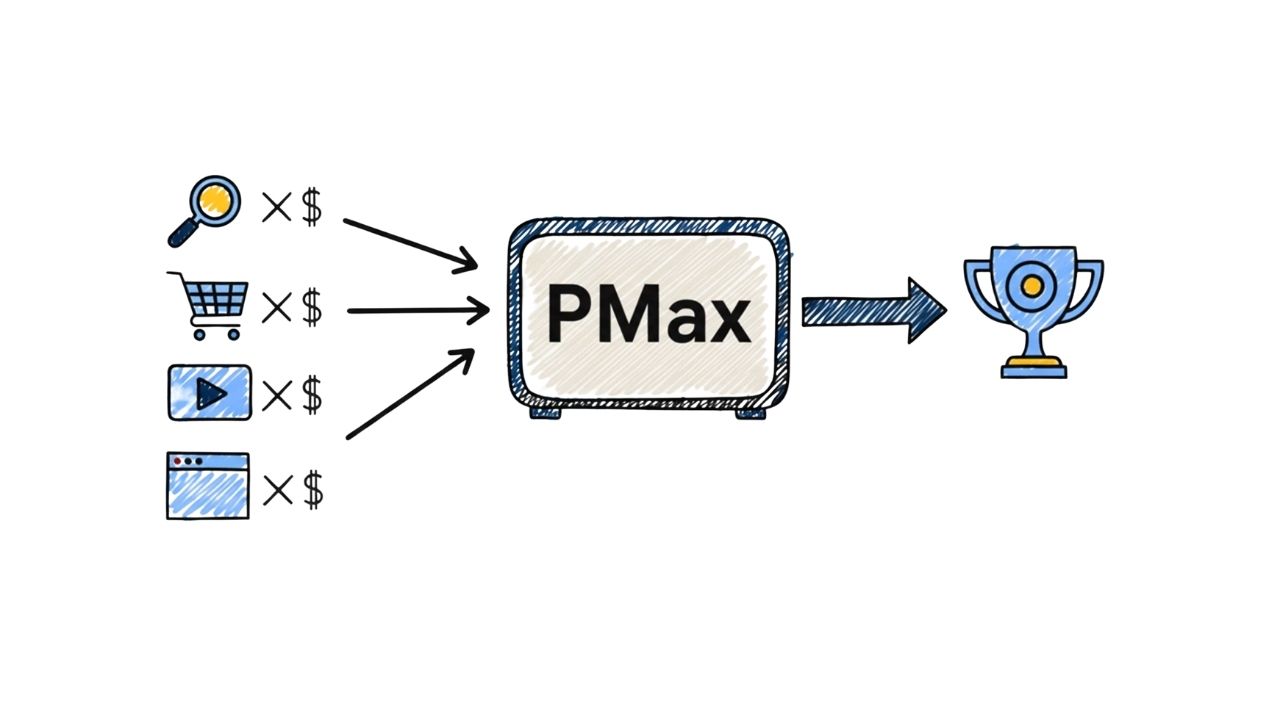
Top-of-funnel ads have, on average, lower ROAS than bottom-of-funnel ads. With one budget and one target, you can't optimize each channel properly. That's why feed-only setups became popular—they isolate Shopping, the strongest performer.
That's the trade-off. Performance Max is easy to set up, but you give up control. For some accounts that's fine, but for many, losing control over each channel hurts performance—and costs money. That's why a new approach is needed.
That brings us to the good news. In 2025, Google rolled out several Performance Max updates, and two of them are especially important for building a more optimized campaign structure.
PMax is no longer a black box. Google added a channel report where you can see exactly how much each channel (shopping, search, video, display) is spending and what results each is generating. This was the #1 complaint from advertisers—now you have visibility into where your budget actually goes.
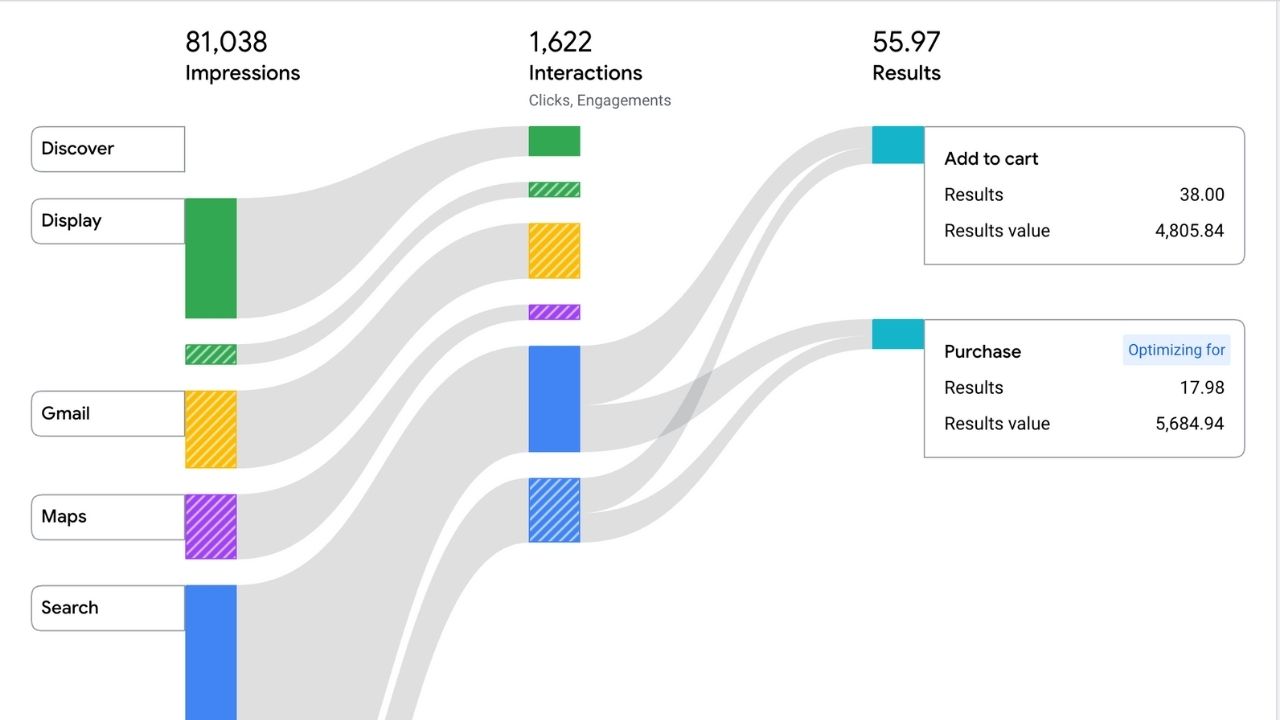
The second big change is validation. Feed-only campaigns used to be an unofficial workaround to isolate high-performing Shopping ads. Now it's an official, built-in option in the interface—Google has effectively approved the strategy.
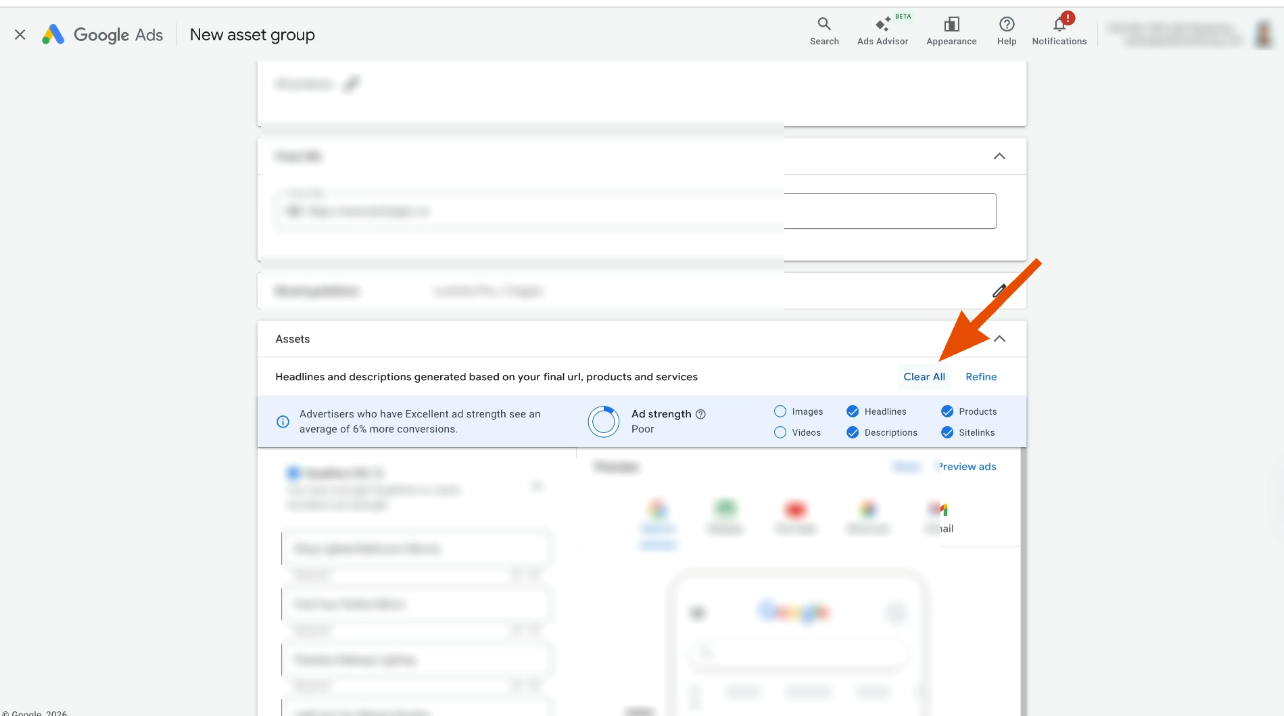
With the channel report, you can make data-driven decisions about whether full-asset or feed-only is right for you. You're no longer guessing—you can see whether video and display are adding value or hurting your ROAS.
Here's where I might surprise you. My strategy for 2026 isn't "always use feed-only" or "always use full assets."
The simple truth: there's no one-size-fits-all answer.
Feed-only and full-asset PMax work better in different situations. What's best depends on your products, audience, margins, and goals. What works best is going to depend entirely on your account, your products, and your goals.
This whole framework is about letting your own data make the decision for you. It's a really simple four-step process designed to let your data lead the way: test both setups, analyze your spend, analyze your ROAS, and finally monitor for scale.
Here's how to do it.
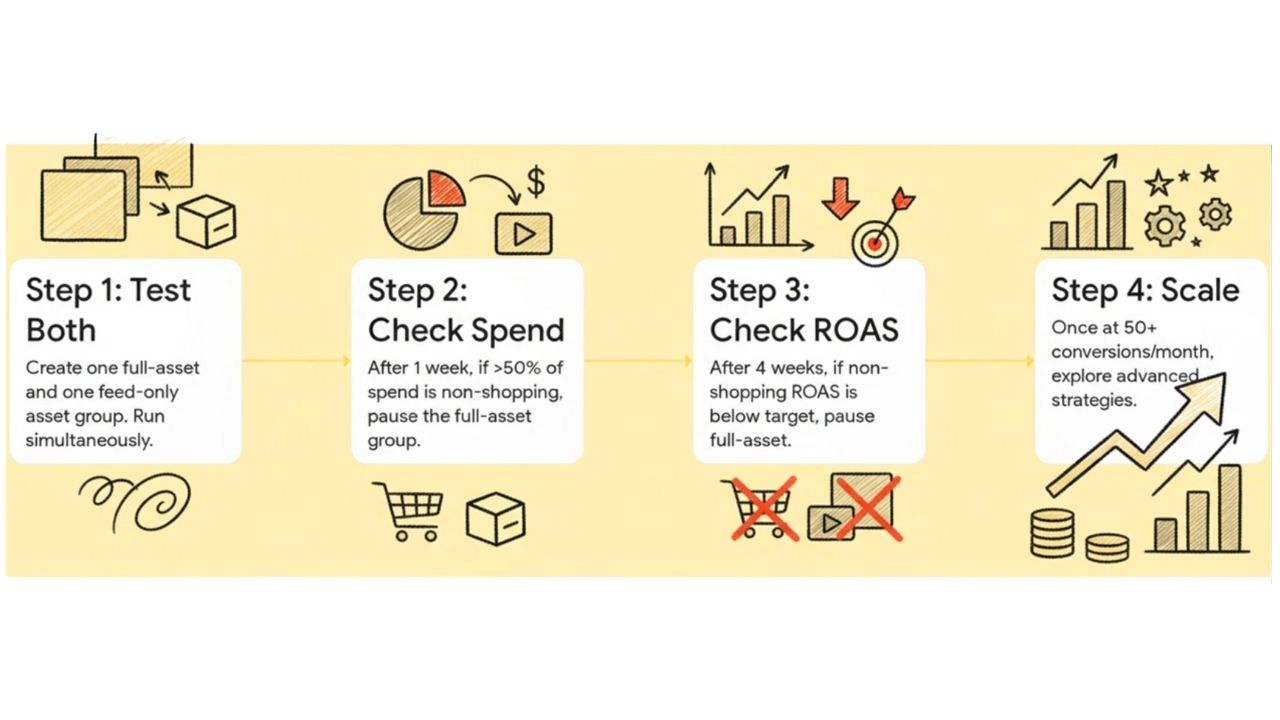
When creating a Performance Max campaign, don't choose one approach. Instead, create two asset groups targeting the same products—ideally covering all products.
One asset group uses full assets (video, images, text). The other is a feed-only group. This creates a clean A/B test within the same campaign from day one.
To create a feed-only group, click on new asset group and select "clear assets."
Let it run for one week. Then check the channel performance report and ask one question: are video and display using more than half the budget?
If yes, that's a red flag—pause the full asset group. If not, let both asset groups continue running.
Let it run for another three weeks to collect a full month of data. Then review the ROAS for non-Shopping channels in the report.
If it meets or exceeds your target, keep the full asset group running. If it doesn't, pause the full asset group and rely on the feed-only setup.
At this point, you can gradually increase budget to grow revenue while maintaining healthy ROAS.
Finally, let's talk about scaling. Before scaling, you need a clear signal that your campaign is stable.
That signal is 50 conversions per month. Once your winning setup consistently hits that number, you have a solid foundation and can start scaling more aggressively.
Once you hit 50 conversions per month, you can explore advanced scaling strategies. You can do this by launching dedicated Search campaigns for specific keywords or Standard Shopping campaigns to gain more control over bids.
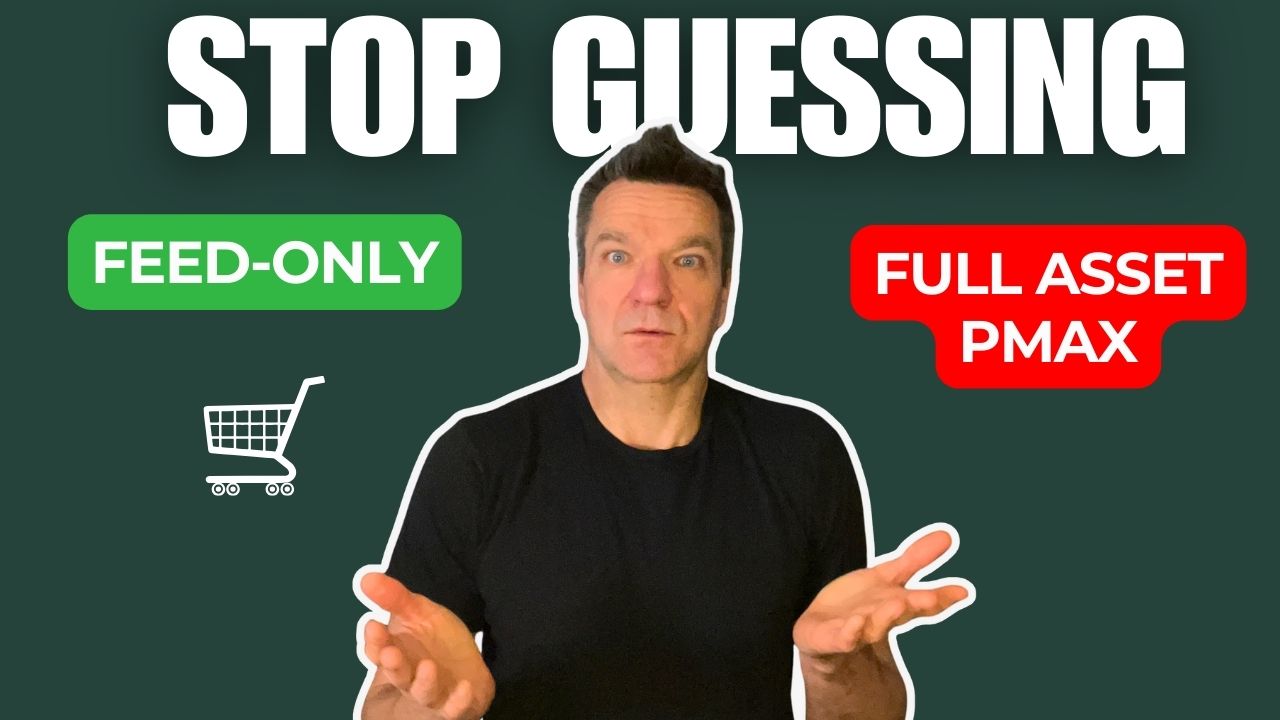
This is how you take your account to the next level. The key takeaway is simple: stop guessing. Run both setups side by side and use the new reporting to let your data show which works best.
Now ask yourself—are your Performance Max campaigns guessing where to spend, or are they structured to learn and optimize for your business?
.png)
.png)


.png)